Scoring










Scoring Input
Designed for different judges' roles, the AC scoring input screens let judges digitally enter their scores. These screens can be fully customized to reflect your event branding.
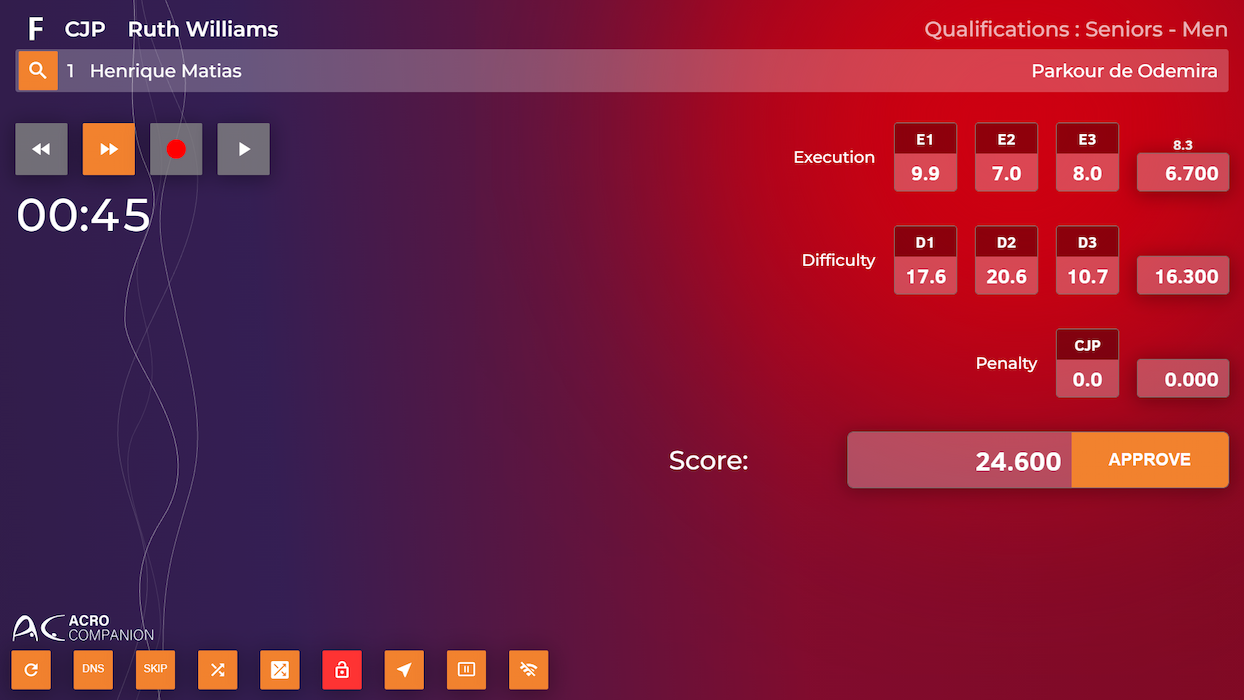
Input Screens
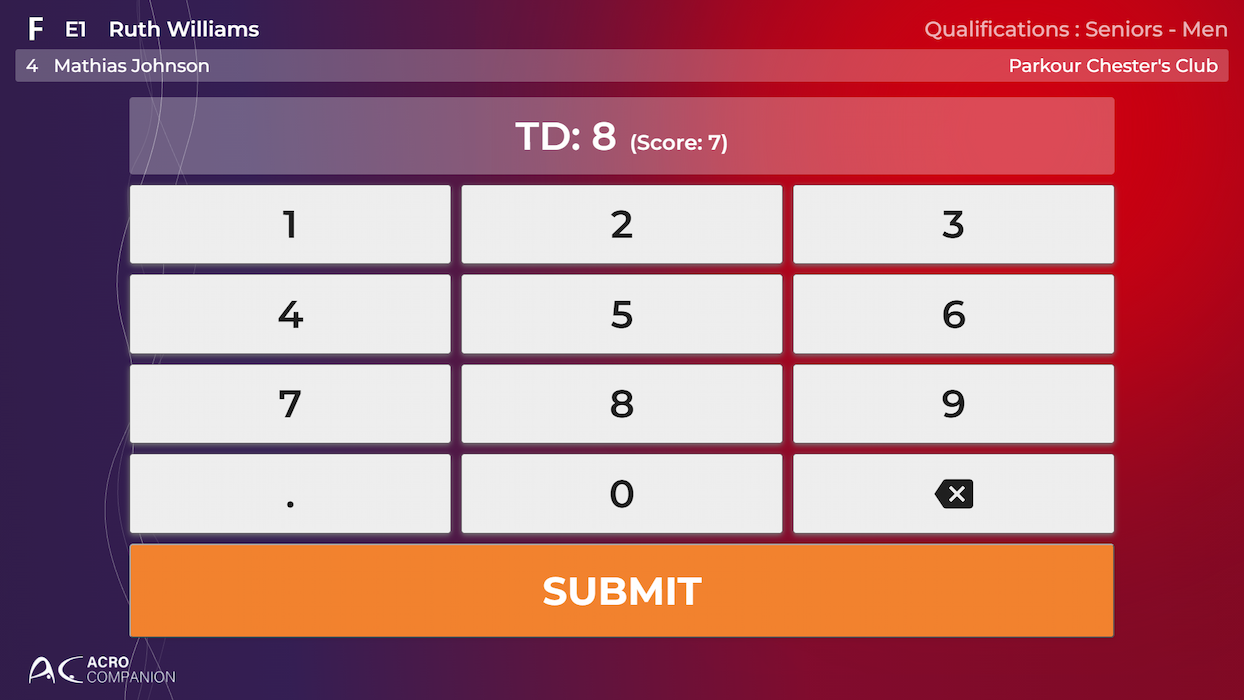
Give judges a clean, user-friendly screen to input their score(s). Our system accommodates all scores required based on each judge's role, ensuring accuracy and efficiency.
Head Judges

Empower the Head Judge to control the starting order, switch between runs, and start or stop them at any time.
For Freestyle, the Head Judge also monitors other judges' scores in real time, and can digitally request score changes from other judges or override scores when necessary.
For Speed, the Head Judge records each lane’s time directly, can manually correct it if needed, and applies fault penalties or a DNS/DSQ/DNF status per lane.
When everything is confirmed, they submit the final score and times!
Keep your Head Judge informed with an automatically updated exercise list
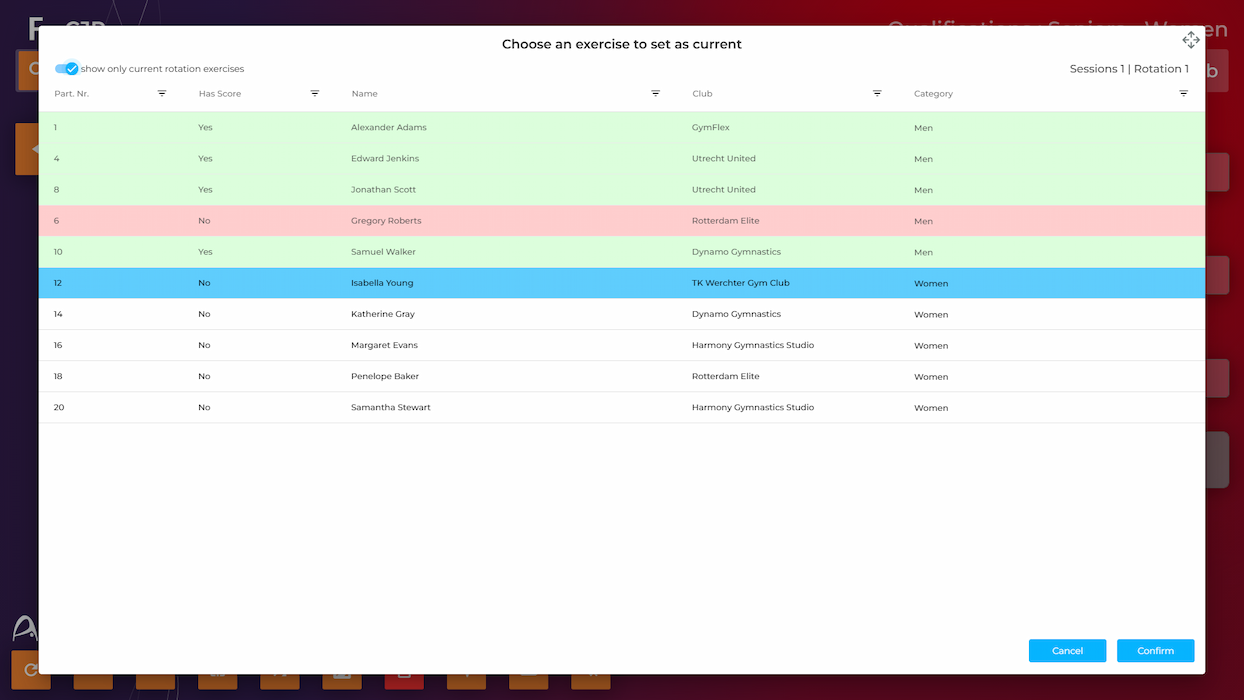
Give the Head Judge a clear overview of the current session, showing the next run and which athletes have performed.
The run list clearly highlights scored and unscored runs, as well as absent/disqualified participants.
Follow exercises’ progress in real time
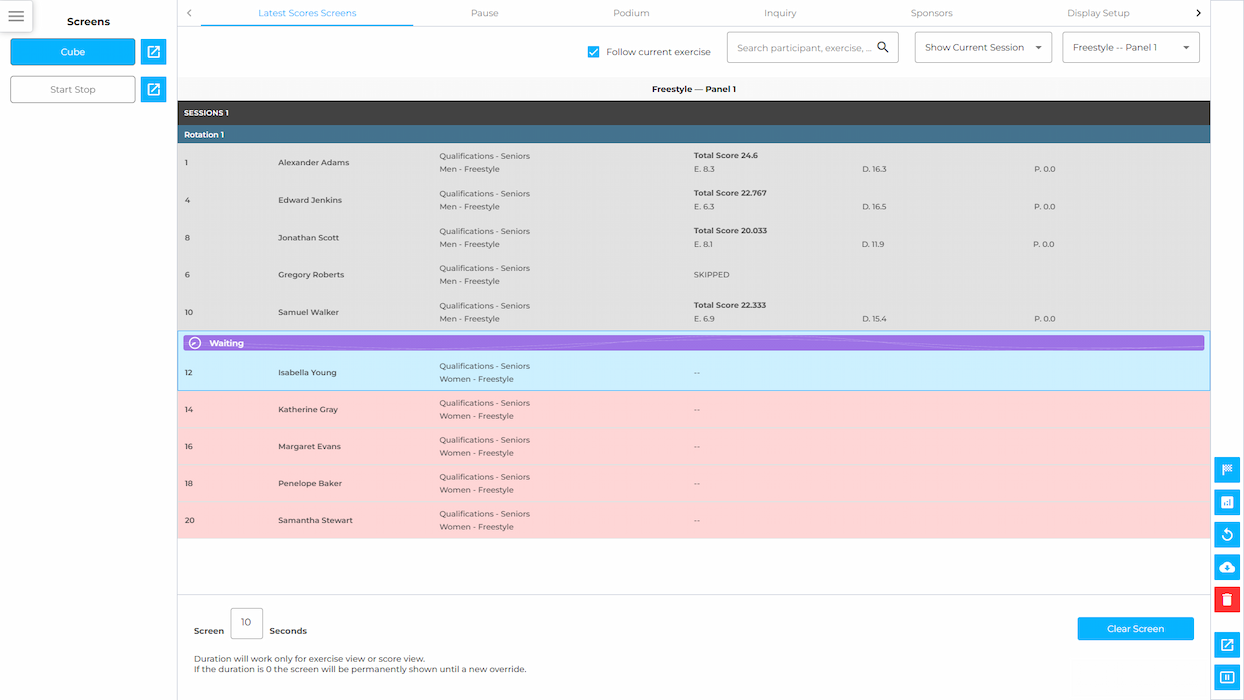
Keep track of competition progress at a glance with the run list screen.
Easily filter by session, day, or across Speed and Freestyle to focus on exactly what you need to see.
Scored and unscored runs are automatically highlighted in different colors.
Online Judging
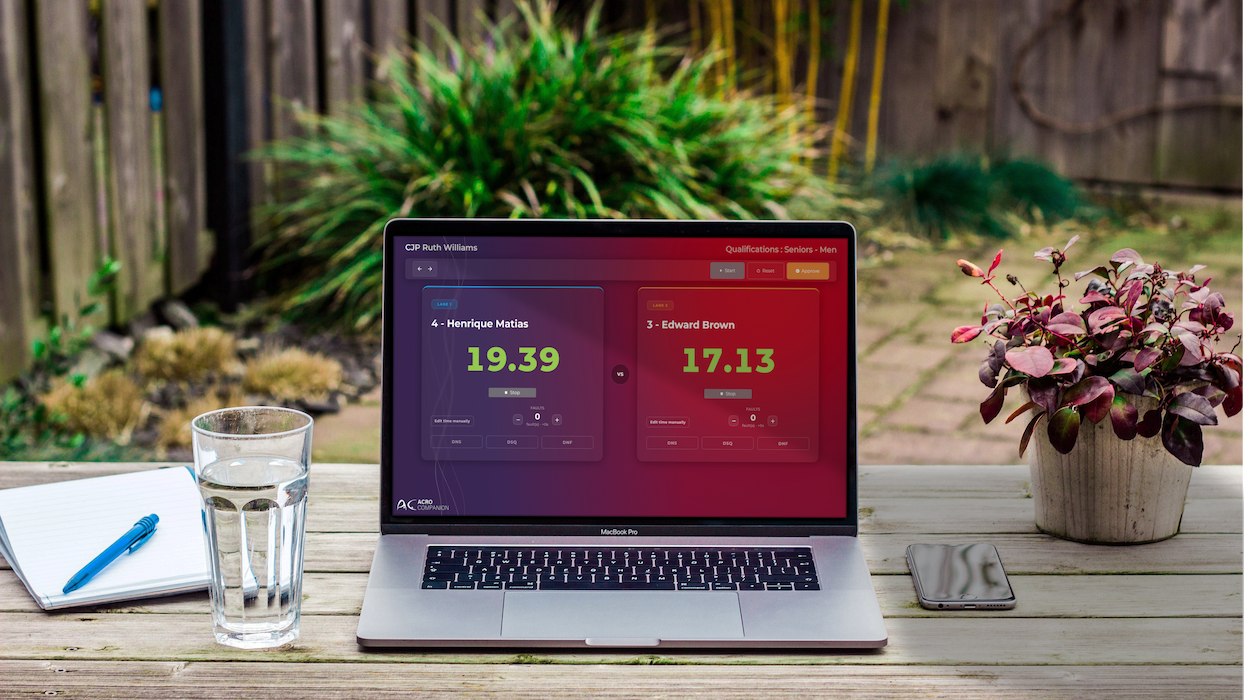
Make scoring happen from anywhere in the world—since AC is a cloud-based solution, judges can score remotely. Your Head Judge can be in Japan while the rest of your judges are in Canada!



info@acro-companion.com


