Scoring







Scoring Input
Designed for different judges' roles, the AC scoring input screens let judges digitally enter their scores. These screens can be fully customized to reflect your event branding.
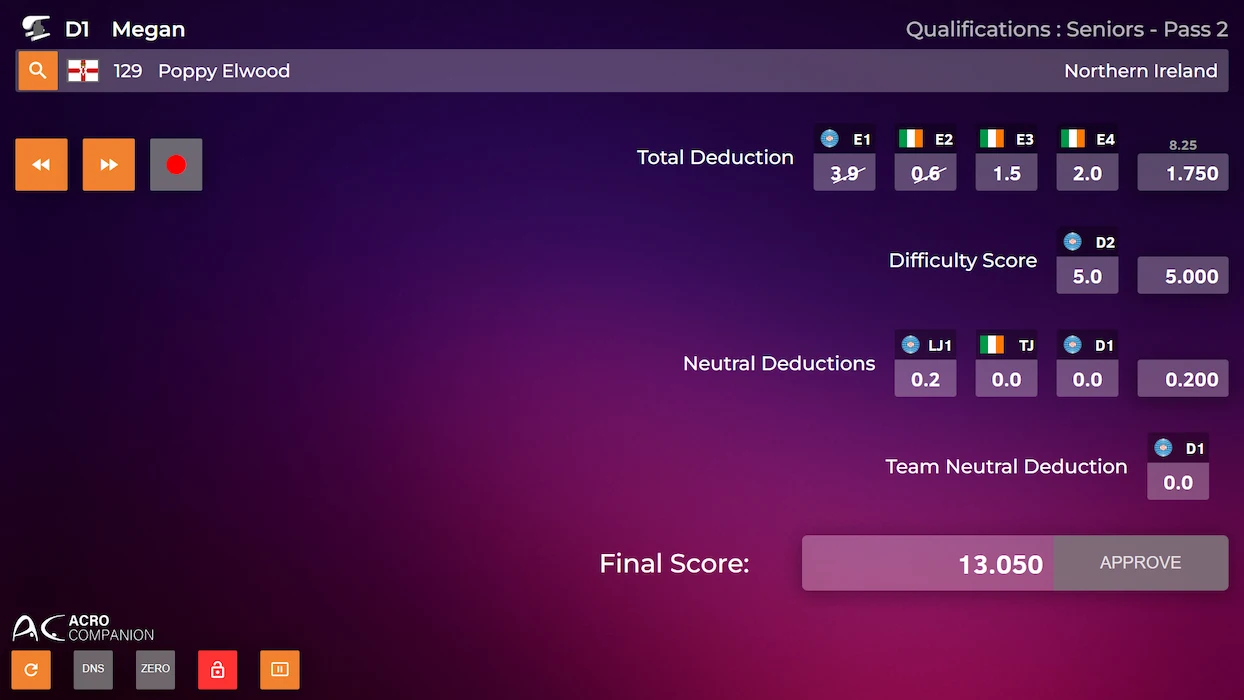
Input Screens

Give judges a clean, user-friendly screen to input their score(s). Our system accommodates all scores required based on each judge's role, ensuring accuracy and efficiency.
Head Judges
Empower the Head Judge to control the starting order, switch between exercises, and start or stop them at any time.
The Head Judge also monitors other judges' scores in real time. They can digitally request score changes from other judges and override scores when necessary.
When everything is confirmed, they submit the final score!
Keep your Head Judge informed with an automatically updated exercise list
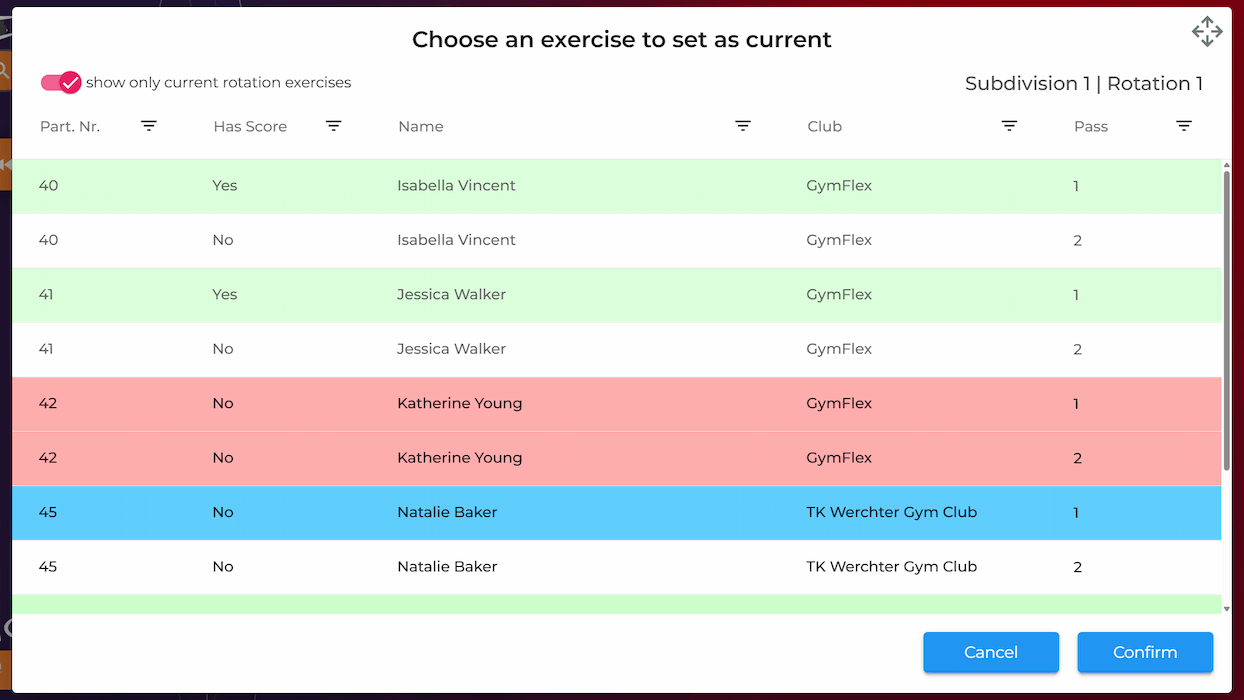
Give the Head Judge a clear overview of the current rotation, showing the next exercise and which gymnasts have performed. This works for competitions with a fixed rotation or where gymnasts choose their own order.
The exercise list clearly highlights scored and unscored exercises, as well as absent/disqualified participants.
Once the Head Judge enters a score, the application will guide them to select the next gymnast.
Follow exercises’ progress in real time
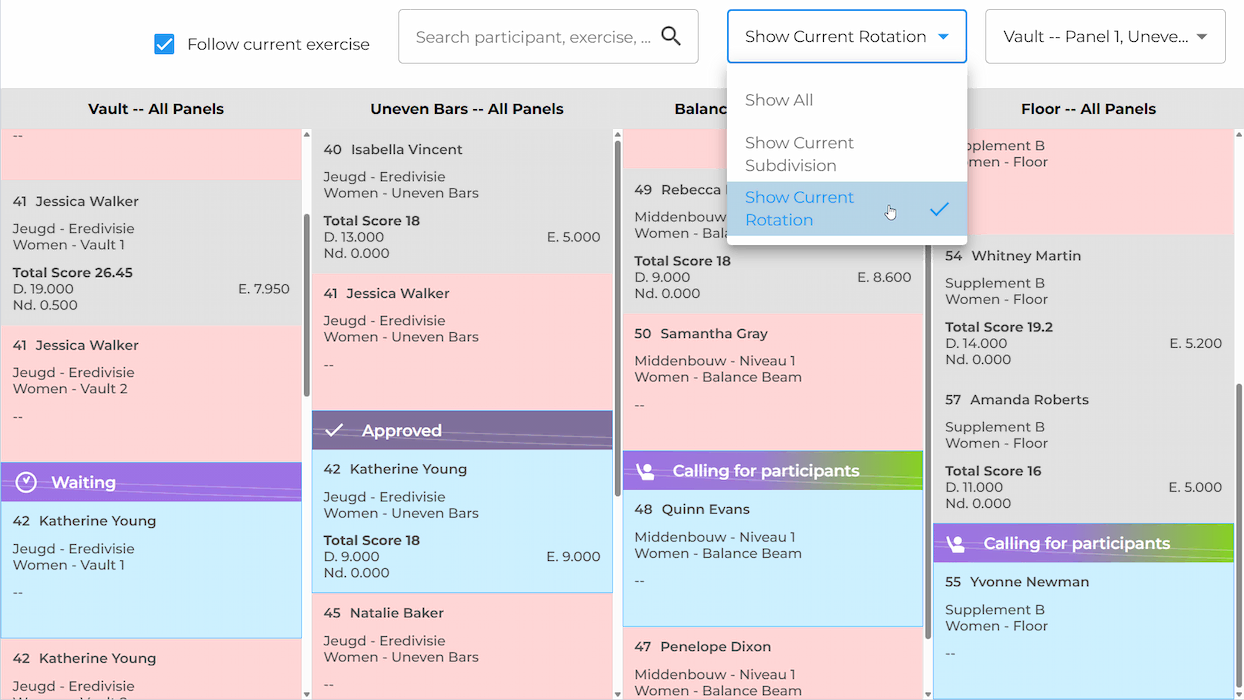
Keep track of competition progress at a glance with the exercise list screen.
Easily filter by rotation, subdivision, day, or across single or multiple apparatus to focus on exactly what you need to see.
Scored and unscored exercises are automatically highlighted in different colors.
Online Judging
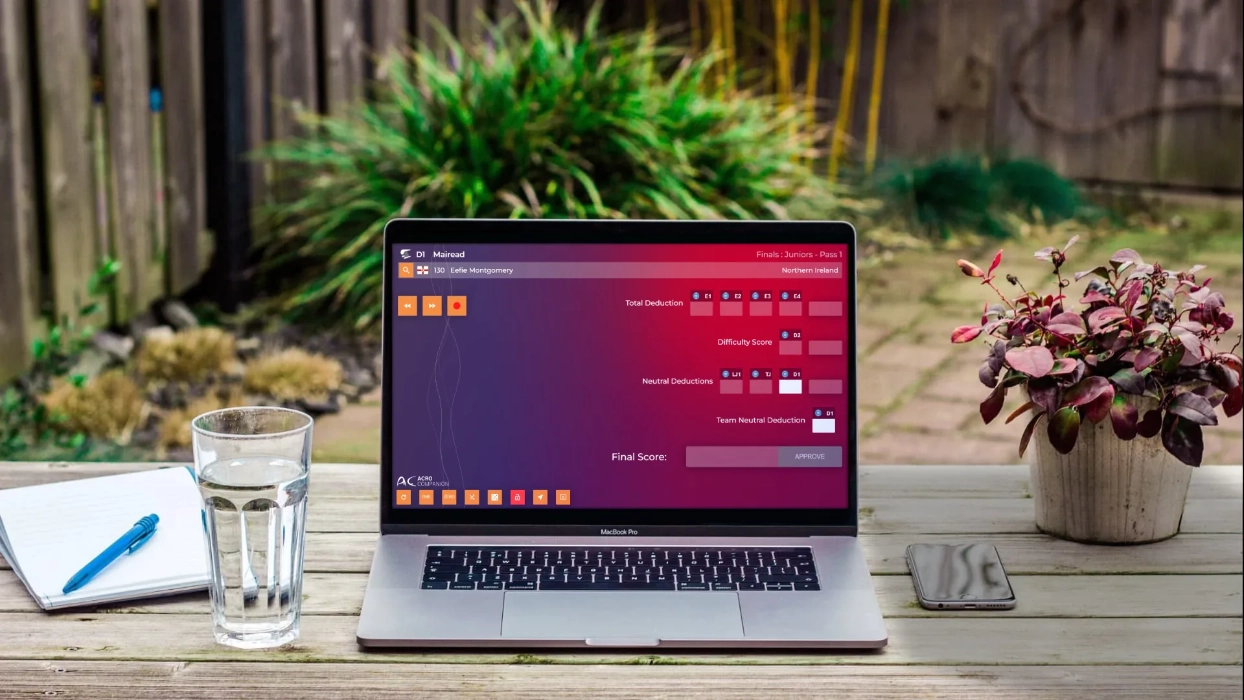
Make scoring happen from anywhere in the world—since AC is a cloud-based solution, judges can score remotely. Your Head Judge can be in Japan while the rest of your judges are in Canada!



info@acro-companion.com


